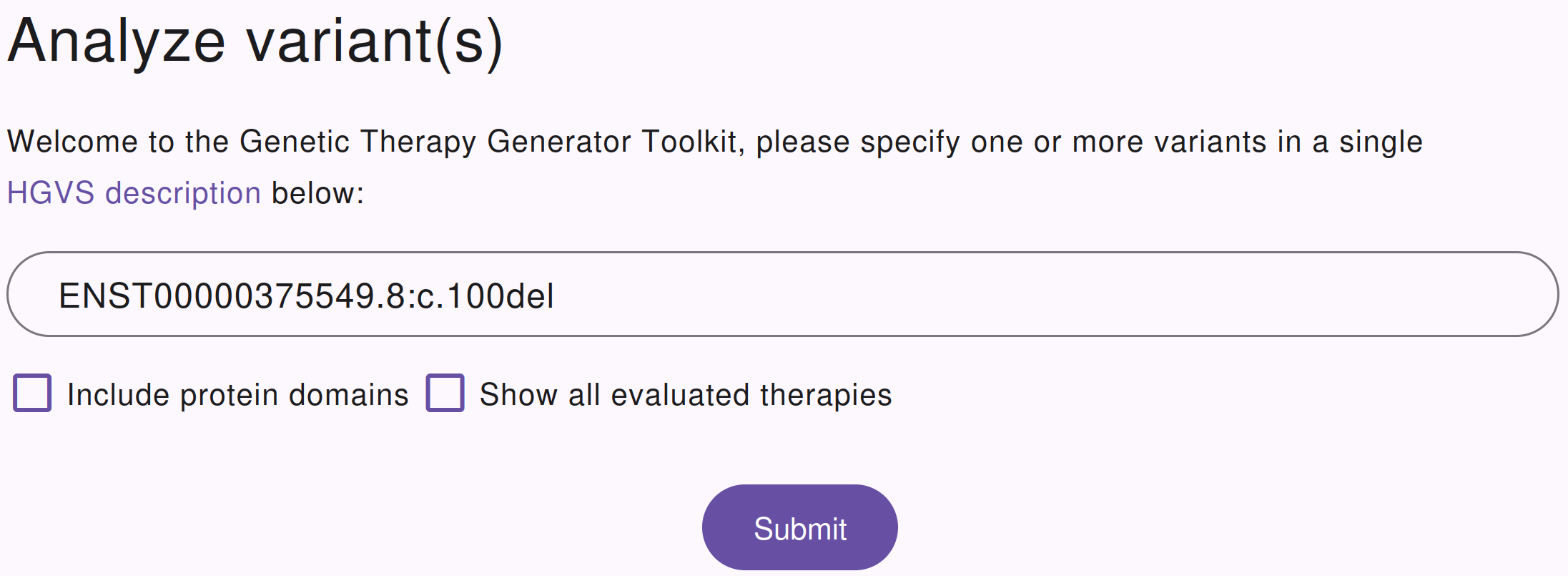
GTGT is accessible online via https://gtgt.rnatherapy.nl. Users can specify their transcript and mutation
of interest in HGVS format. For the
best results, users should specify all variants that were observed on the
affected allele, since the exact patient sequence is taken into account when
assessing therapies. However, if only the pathogenic variant is known, this
will also work.
Input screen for the GTGT website. Users can describe their variant(s) of itnerest, and configure the parameters of the analysis.
Please refer to the transcripts section for more
information on which transcripts can be used with GTGT.
For transcripts encoded on HG38, GTGT can also access the protein features
which are available from the UCSC, and determine the effect of the therapy on
protein features. For example, GTGT will correctly determine if a protein
domain is lost due to an exon skip, and will also update the protein domain if
(part of) the domain has been lost due to a frameshift.
GTGT will always evaluate all possible therapies to simulate their effect on
the transcript. Select this option if you want to see output for all considered
therapies.
By default, GTGT will only display a therapy when one of two conditions is met:
A therapy changes or removes at least one of the input variants
A therapy improves at least one of the features of the transcript, when compared to the input transcript
Option 2 can sometimes give surprising results, especially when protein domains
are included in the analysis. If a therapy introduces a frameshift in the
transcript, the region of the protein after the frameshift but before the STOP
will sometimes contain motifs which match the wildtype protein. GTGT will
interpret this as an improvement of that feature, and hence show this therapy
in the results. In these cases, we rely on the users to recognize that the
benefits of this therapy are extremely minimal.
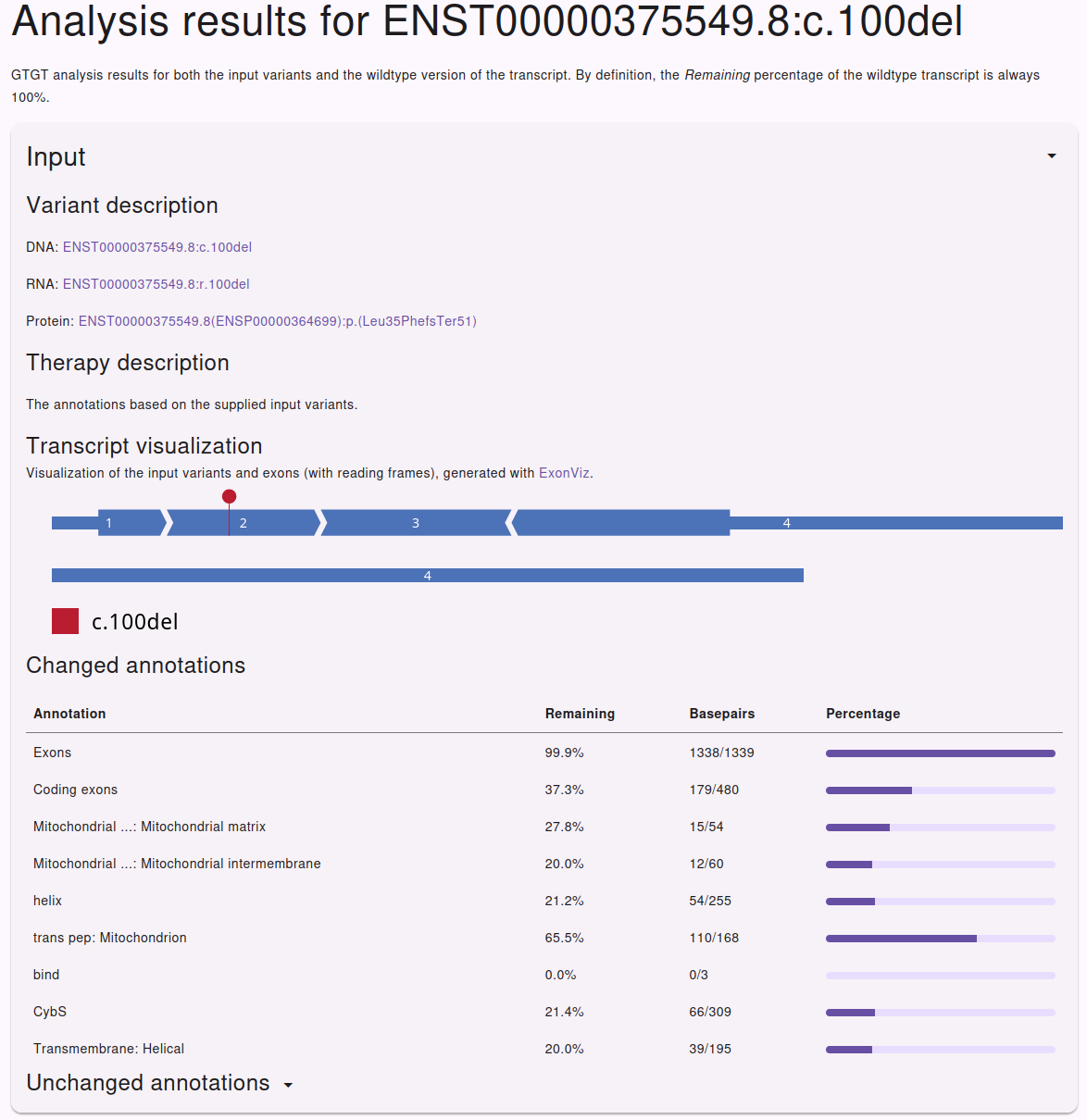
This lists the description of the variant(s) in HGVS format for the coding, RNA
and protein level. Clicking these descriptions will take you to Mutalyzer where
you can find more information regarding the HGVS descriptions.
This is a human readable description of the therapy. In the case of the input
variant, this will just hold a short description that this is the input
variant.
In the case of exon skip therapies, this description will explain which exons
have been skipped, and optionally also if any of the exons are especially
vulnerable to exon skipping.
This lists all annotations that have changed as a result of the variant(s) that
were specfied. The Exons and Codingexons annotations are always
available. Additional protein level annotations are only available for
transcripts encoded on the HG38 reference genome. For each annotation, both the
remaining percentage as well as the total number of (remaining) bases is
listed.
The protein annotations are retrieved from the UCSC, including the names which
can be cryptic at times.
As the name suggest, these are annotations that have not been affected by the
variants. By default, these are hidden in the web interface to conserve space,
but you can expand them by clicking on the header.
For each specified transcript, GTGT will automatically provide links to
external resources in the side bar under ‘External resources’. These can be
related to the variant, transcript or gene of interest.